
Set up Custom Fields to capture additional sign-in information about visitors.
What are custom fields? #
Custom fields may be useful if you want to capture additional information about visitors when they first sign in. They can also help you tailor the information you require from different types of visitors on sign-in.
Types of custom field #
There are three types of custom field.
- Type 1: Text field – prompts the visitor to add specific text. Terminal keyboard defaults to letters.
- Type 2: Number field – prompts the visitor to add a number. Terminal keyboard defaults to numbers.
- Type 3: Options field – prompts the visitor to select from pre-set options.
Overview of custom field process #
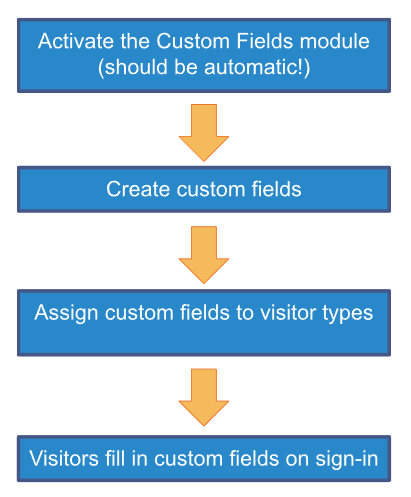
Tip: You can also add custom fields to visitor labels and asset labels (latter requires Asset module).
Learn more
- Activate the Custom Fields module
- Add custom fields
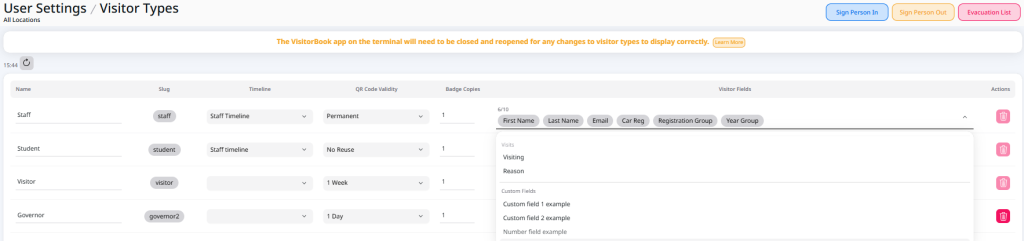
- Assign custom fields to visitor types
- Add custom fields to labels
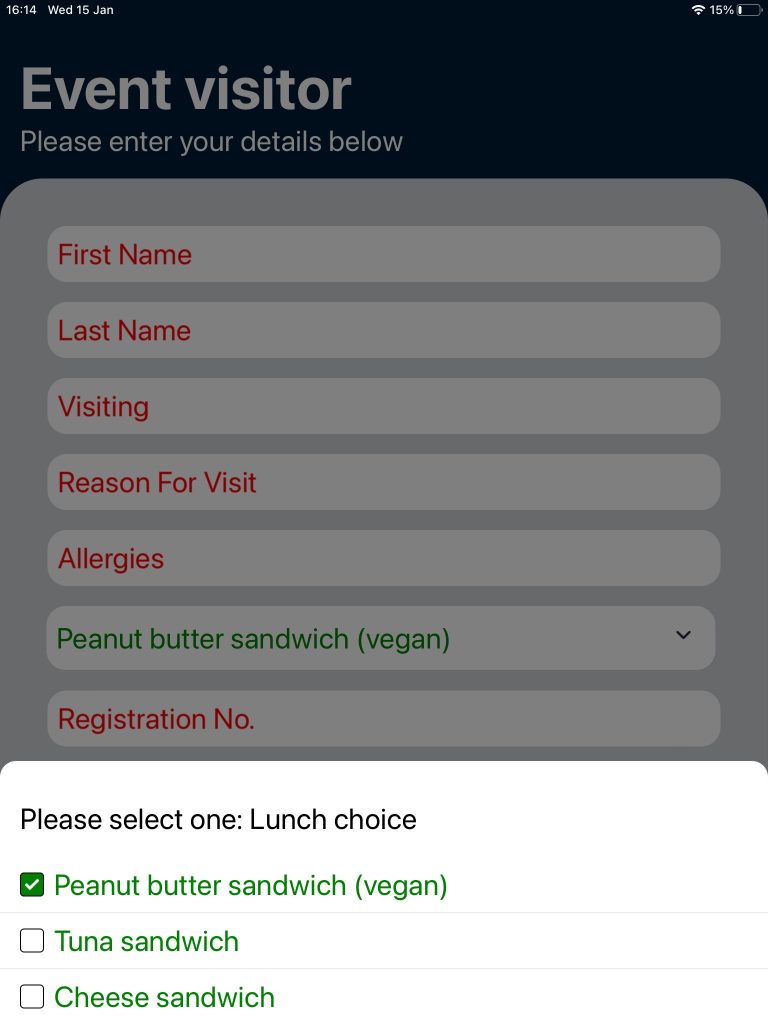
Custom fields on visitor sign in #
Once you have added custom fields to a visitor type, these fields appear to visitors of that type when:
- Visitors sign into a VisitorBook terminal.
- You sign visitors in directly on the Admin Portal.
© Libresoft 2026